
Can you really reclaim your focus when your inbox never sleeps? Many people say multitasking boosts output, but research shows 80% of knowledge workers keep an inbox or chat app open while they work. That constant pull can hollow out your best hours and blur your goals.
Practical time management changes can restore control in small, measurable steps. Use clear strategies to block distractions, set a short daily list, and pick the right tools to protect deep work. Even a few focused minutes each day shift your productivity and help align tasks with long-term goals.
Understanding the Importance of Time Management
Knowing why each task matters helps you spend less effort on low-value activities.
High burnout rates show the stakes are real. According to the Anatomy of Work Index, 71% of knowledge workers faced burnout at least once in 2020. That makes good time management a critical skill for modern work life.
Only 26% of employees clearly see how daily tasks link to company goals. When goals are unclear, people waste effort on low-impact activities. Clear alignment reduces stress and raises productivity.
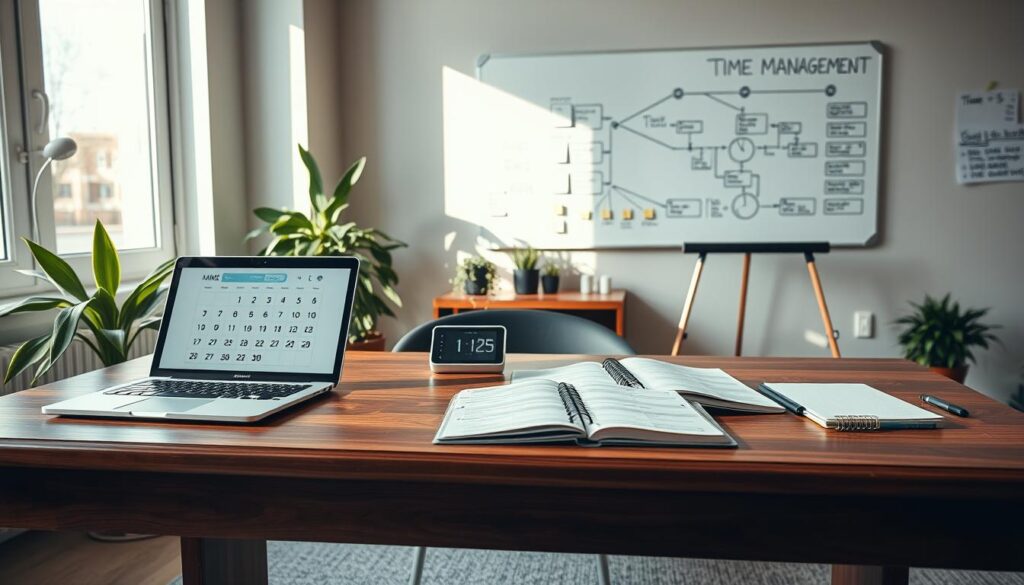
Benefits of improving your approach include less stress, better balance between work and life, and clearer priorities. Developing these skills helps you organize activities and focus on what matters most.
- Reduce burnout by matching work to goals.
- Prioritize tasks so the team spends energy on high-impact work.
- Use simple methods that deliver effective time management without extra hours.
Essential Digital Exchange Time Management Tips
Small, structured blocks of work can turn an overwhelming project into steady, visible progress.

Implementing Timeboxing for Daily Tasks
Set goal-oriented blocks no longer than three hours. Use those windows to break large projects into clear tasks.
Schedule blocks on your calendar so each project gets dedicated attention. Group similar tasks to cut context switching and keep focus high.
Utilizing the Pomodoro Technique for Focused Work
The Pomodoro method uses 25 minutes of focused work followed by a five-minute break. Repeat four cycles, then take a longer rest.
This approach reduces social media distractions and helps you return refreshed. A simple to-do list or a single tool can keep your priorities visible while you’re working.
“Protecting short bursts of focus is one of the best ways to make steady progress on meaningful goals.”
- Use a calendar to reserve deep work blocks.
- Track minutes and breaks to avoid burnout.
- Keep one to-do list to make sure you don’t multitask on high-priority items.
Proven Methodologies for Task Prioritization
Start by sorting work into clear buckets so you can decide what needs your focus today.
The Eisenhower Matrix helps you split tasks into four quadrants: urgent/important, not urgent/important, urgent/not important, and neither.
Use quadrant one for critical project work that affects goals this week. Put longer-term planning in quadrant two so you reduce reactive work and avoid burnout.
Applying the Eisenhower Matrix to Your Workflow
Pair the matrix with David Allen’s Getting Things Done method to capture every task in one list. GTD makes sure nothing slips through the cracks.
Delegate quadrant three items to team members. Archive or discard quadrant four items to cut clutter from your to-do list.
- Assess projects with historical data to spot high-impact work.
- Use a centralized task tool to link daily tasks to company goals and clarify roles.
- Spend a few minutes at the end of each day to plan the next and lock in focus.
| Quadrant | Action | Who |
|---|---|---|
| Urgent & Important | Do now; block focused minutes for project work | Owner or lead |
| Not Urgent & Important | Schedule; plan strategic work and breaks | Owner |
| Urgent & Not Important | Delegate to team members | Delegate |
| Neither | Remove or defer; clear the to-do list | Archive |
Leveraging Digital Tools for Enhanced Productivity
Choosing the right apps cuts app switching and protects focused work.
Start with task management software that matches your team’s workflow. Tools like Asana and Todoist help assign tasks, set due dates, and show who owns each project. That clarity reduces guesswork and keeps the to-do list actionable.
Selecting Effective Task Management Software
Look for features that support priorities, tags, and simple reporting. Good software syncs with your calendar and offers collaboration comments. Insightful adds another layer by showing which apps and sites eat your minutes, so you can remove bottlenecks.
Optimizing Your Schedule with Digital Calendars
Use Google Calendar to block deep work and short breaks. Enable “Do Not Disturb” around those blocks to avoid multitasking. When your calendar and task tool are integrated, scheduling becomes less manual and more reliable.
Monitoring Progress with Time Tracking Apps
Time tracking tools capture real data on how you spend each day. That data reveals patterns and distractions so you can adjust work habits. Fewer app switches — the average worker flips 10 to 25 apps daily — means more consistent minutes of effective time.
For more structured learning on coordinating teams and tools, explore this global collaboration course.
Strategies for Maintaining Focus and Reducing Distractions
A few deliberate choices each day can block distractions and help you reach a flow state.
Snooze notifications across apps. The average worker switches between 10 and 25 apps daily, and those interruptions stop deep focus.
Schedule short breaks on your calendar. Thirty-two percent of workers who feel burned out cite an inability to disconnect as a driver of stress.
Communicate when you are unavailable. Let team members know when you’re working on a complex task so they don’t interrupt your progress.
Reject multitasking. Work on one task at a time to protect minutes of uninterrupted effort and boost productivity.
- Snooze alerts for blocks of deep work.
- Use calendar slots for focus and short breaks.
- Tell teammates when you need uninterrupted time.
- Take a stretch or snack break to recharge.
“Reducing digital distractions creates a sustainable way to work and lowers stress.”
Managing Your Physical and Mental Workspace
Small changes to your workspace can clear mental blocks and speed up decision-making.
Organizing Your Desk to Minimize Clutter
Visual clutter on your desk often becomes mental clutter. When you start the day with a clear surface, it is easier to focus on tasks and stay in a productive rhythm.
Spend five minutes each morning to coil wires, stack books, and put stray papers in a folder. These small actions save minutes later and cut the frustration of searching for things.
- Keep essential tools and documents in fixed spots so you do not lose time hunting for items.
- Use trays or a small drawer for current tasks; archive completed work immediately.
- Adopt a single notebook or app for short lists so your task list stays honest and simple.
“A clean desk is a powerful tool for maintaining focus and dedicating attention to work that matters.”
Managing your workspace is a basic but often overlooked strategy. When your environment is orderly, it becomes easier to follow other strategies and keep long-term goals in view.
Developing Sustainable Habits for Long-Term Success
Building reliable routines helps you protect focus and avoid reactive work cycles.
Adopt small habits that support steady progress. Use an app like Forest to block social media while you work and reward focused minutes by growing a virtual tree.
Pair that habit with a regular schedule review. Each day, audit your tasks so you only keep work that aligns with team goals and current projects.
Schedule learning blocks on your calendar. Investing minutes to gain new skills pays back with greater productivity and better management of future work.
Make sure your approach connects tools and routines. For example, Forest partners with Trees for the Future so your focused sessions can also create environmental benefits.
“Consistent, small actions are the best method to avoid burnout and keep long-term benefits in view.”
- Block distracting sites for focused sessions.
- Audit tasks weekly to align work with goals.
- Reserve learning in your schedule to boost skills and efficiency.
Conclusion
A few clear choices each morning can shape how productive your whole day becomes. Effective time management sits at the heart of good work. It helps you choose what matters and protects minutes for high-value tasks.
Use the methods and tools described here to reduce stress and meet deadlines with more ease. Practice timeboxing, the Pomodoro method, or a single task app and stay consistent.
Managing your approach is ongoing. Review your routine, adapt when needed, and start with small actions like organizing your desk or snoozing notifications.
Keep building steady habits and watch your productivity rise as your management of work improves.