
Can one simple tool really keep your coursework, travel, and life in balance while abroad?
Finding the right planner can change how students manage time and tasks during an exchange year. A good planner app ties together notes, calendar entries, and reminders so nothing slips through the cracks.
Many top tools live in the Apple App Store and Google Play Store, and big teams like Amazon and Disney use Todoist to run complex workflows. You can start with a free version and still get powerful features like templates, project lists, and cross-device sync.
Whether you prefer a paper planner or a flexible digital planner, this guide will show practical ways to boost productivity and keep schedules tight while you study abroad.
Why Digital Exchange Students Need Specialized Planning Tools
Exchange students juggle shifting deadlines and cultural transitions, so a focused planning tool must do more than list tasks.
Academic life abroad often feels like a rollercoaster of assignments and exams. A robust planner centralizes notes, calendar entries, reminders, and project lists to prevent missed deadlines.
Unlike a paper planner, a planner app adds sync and recurring task features. This keeps users on track across time zones and devices.
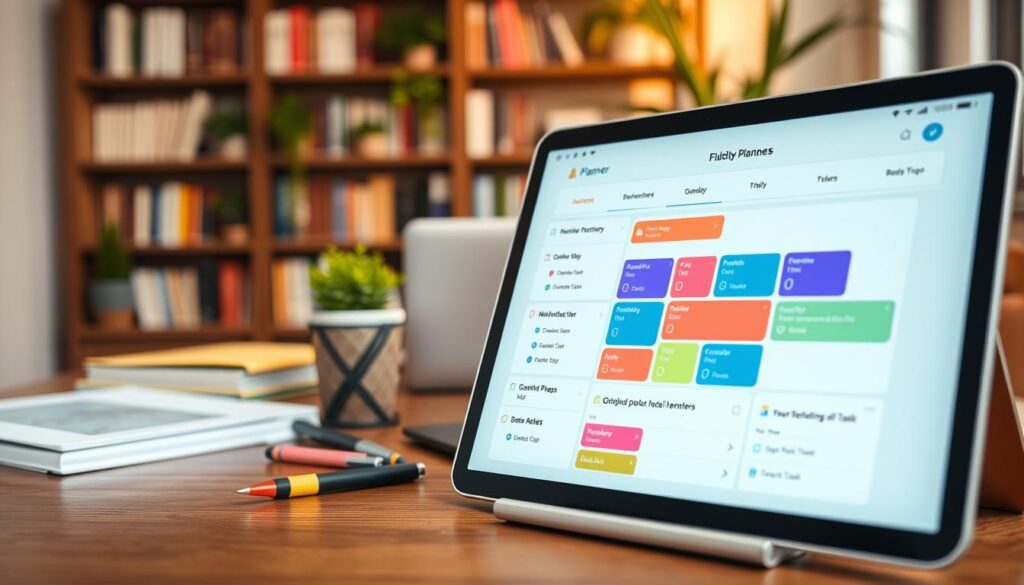
Good planning tools reduce stress and improve management of daily life. They act like a personal assistant, helping students plan their year and balance coursework with social plans.
| Feature | Benefit | When It Helps |
|---|---|---|
| Reminders & Sync | Never miss due dates | During travel and time changes |
| Recurring Tasks | Automates weekly work | Coursework and chores |
| Project Tracking | Breaks big assignments into steps | Group projects and theses |
| Notes + Calendar | Creates a single view of your life | Exam prep and event planning |
Essential Features to Look for in Study Planner Apps for Digital Exchange
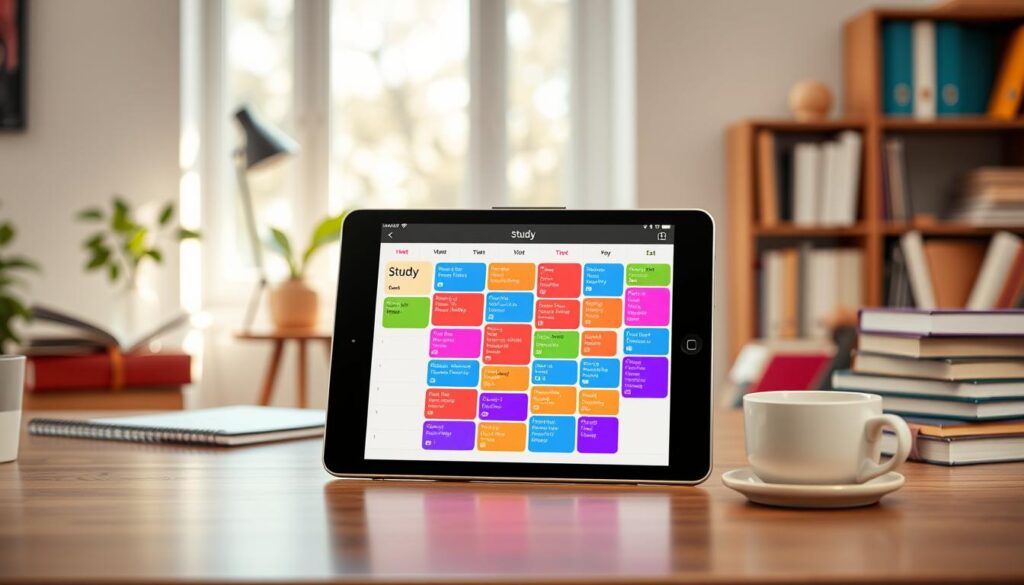
A clean interface helps busy students move from tasks to focus in seconds. Look for a tool that keeps the view simple and reduces clicks. A visually tidy layout helps users prioritize without distraction.
User Experience and Interface Design
Choose a version with clear typography, ample white space, and predictable navigation. Interfaces that hide complexity until needed let students focus on one task at a time.
“Design should remove friction, not add steps.”
Integration Capabilities with Existing Tools
Integration matters. Pick an app that syncs with Google Calendar and common calendars so schedules stay aligned across devices.
- Customizable templates to organize notes, tasks, and projects.
- Drag-and-drop scheduling and multiple views (weekly, monthly).
- Fast import of paper notes or files into project hubs and reminders.
Ultimately, the best planners unify timelines, reminders, and project lists. That single hub saves time and keeps academic schedules under control.
Best All-in-One Productivity Platforms for Academic Success
Top productivity suites help students manage tasks, calendars, and group work without switching tools.
ClickUp for Complex Projects
ClickUp offers more than 15 ways to view schedules, including dynamic calendar and list views. This makes it easy to break large projects into tasks and subtasks.
Use its multiple views to plan timelines, assign task owners, and track progress across devices.
Upbase for Team Collaboration
Upbase shines with a generous free version that supports unlimited tasks, users, and storage. That makes it ideal for group work and classroom teams.
Students can centralize notes, lists, and reminders while keeping everyone aligned on project deadlines.
Notion for Custom Workspaces
Notion lets users build flexible workspaces with databases, pages, and templates. It’s perfect when you need a tailored planning system that adapts to course requirements.
Customize templates and connect calendars to keep time and task management in one place.
“A single hub that combines notes, calendar views, and task lists reduces friction and keeps teams moving.”
- Centralize notes and calendar entries to reduce app switching.
- Use reminders and time-blocking to protect study sessions and plan work periods.
- Choose a platform that integrates with other tools to keep projects on track.
AI-Powered Schedulers for Energy-Aware Planning
AI schedulers learn your energy rhythms and place deep work where you will do it best.
Lifestack is a digital planner that maps sleep and recovery data to your daily schedule. It spots peak hours and moves your hardest tasks into those slots.
This app auto-reschedules when plans break. If a meeting runs late, the tool shifts tasks so you avoid manual replanning and lost time.
Lifestack for Cognitive Capacity
Lifestack analyzes recovery metrics to protect focus windows. That means users get high-value work during top cognitive hours.
“An energy-aware approach lets students keep focus and reduce burnout.”
| Capability | Benefit | When It Helps |
|---|---|---|
| Sleep-based scheduling | Aligns deep work with peak energy | Exam weeks and heavy project days |
| Auto-rescheduling | Saves manual replanning time | When meetings or travel disrupt plans |
| Calendar integration | Keeps tasks and reminders in one view | Busy weeks with classes and events |
| Capture anywhere | Quickly add tasks, notes, or project items | On campus or during travel |
Use this type of planner app when you want a system that adapts to your days. The best digital tools reduce friction and boost productivity across the year.
Top Handwriting-Based Planners for Tablet Users
Writing by hand on a tablet preserves the feel of paper while adding searchable organization.
GoodNotes remains the best option for iPad users who want a paper-like workflow with modern planning power.
The 2026 version adds AI flashcard generation and improved search across thousands of handwritten pages. These features speed review and make notes actionable.
Import PDF templates to build custom pages, notebooks, and weekly lists. Annotate lectures, mark project dates on a calendar, and keep task notes in one place.
“The tactile feel helps memory while search and AI tools keep work organized.”
GoodNotes blends handwriting, templates, and robust annotation. It works well when you want the paper feel but need a searchable, single-location system that handles notes, tasks, and projects.
| Feature | Benefit | Best use | Notes |
|---|---|---|---|
| Handwriting search | Find notes fast | Large notebooks and class pages | Searches thousands of pages |
| AI flashcards | Quick review sets | Exam prep and weekly review | Auto-generates from notes |
| PDF templates | Custom planner pages | Daily schedule and course lists | Import and reuse templates |
| Annotation tools | Mark up readings | Project drafts and group work | Combine typed and handwritten content |
Simple Task Managers for Friction-Free Capture
Speedy capture and clear scheduling turn small notes into actionable plans that actually get done.
Students who need a fast, low-friction system should pick a lightweight planner with few menus and quick input. This keeps momentum and stops ideas from getting lost between classes and life.
Todoist: Natural Language Input
Todoist shines when you want to add tasks in plain speech. Type “Math assignment due Friday at 5 PM” and it creates an item with a due date automatically.
The natural language feature speeds capture and reduces taps. Use labels and templates to tag classes and priorities. The free version covers basic needs across devices.
TickTick: Calendar Integration and Pomodoro
TickTick blends a to-do list with a calendar view. It also includes a built-in Pomodoro timer to protect focus blocks.
Sync with Google Calendar to keep a single schedule. Students can drag tasks into time slots and start a timer without leaving the app.
- Quick add via text or voice keeps momentum.
- Labels and templates organize classes and priorities.
- Both tools offer a capable free version for everyday management.
| Tool | Key feature | Best use | Sync |
|---|---|---|---|
| Todoist | Natural language input | Rapid capture and recurring tasks | Google Calendar, devices |
| TickTick | Built-in Pomodoro + calendar | Time blocking and focus sessions | Google Calendar, devices |
| Both | Clean interface | Daily task management | Free version available |
How to Integrate Your Planner into Your Daily Routine
A short daily routine that centers on your planning tool turns scattered to-dos into clear priorities.
Start each morning with a two-minute review of your planner. Scan tasks, spot deadlines, and mark one priority task to protect.
Set a fixed update time each day. Consistency builds habit and keeps your schedule accurate as new work appears.
Sync the planner app across devices so your plan is available on phone, tablet, and laptop. Link it to Google Calendar to see classes, meetings, and personal events in one view.
Use reminders for exam dates and project milestones. Quick alerts let you prepare early rather than rush at the last minute.
- Keep weekly reviews to shift tasks and update priorities.
- Treat your planner as a living document that changes with your semester.
- Combine a paper backup if you prefer handwriting for memory cues.
“Make small daily habits, and the tool will handle the rest.”
Make your planner central to campus life and personal routines. Do that and you will reduce stress and get more done with less friction.
Strategies for Maintaining Long-Term Academic Focus
A consistent weekly review turns scattered tasks into a clear road map for the semester.
Set a short ritual each week to reflect on progress and update your plan. Use templates in your app to make reviews fast and repeatable.
Break large projects into smaller tasks and assign deadlines. This keeps momentum and prevents last-minute rushes.
The Importance of Weekly Reviews
Weekly reviews reveal trends and free up time for focused work.
- Scan completed pages and mark what worked.
- Move unfinished items into next week’s plan.
- Adjust schedule and templates to fit your life.
“Small weekly habits protect long-term goals and improve time management.”
| Action | Value | When to use |
|---|---|---|
| Template review | Saves decision time | Start of the week |
| Task breakdown | Reduces overwhelm | Before big deadlines |
| Progress snapshot | Tracks momentum | Weekly check-in |
Conclusion
Pick a tool that matches how you work, not the other way around. A good planner and an easy-to-use app make daily habits simple.
Look for a digital planner that blends clear features with fast capture of tasks. Use a free version to test fit before you commit.
Combine that choice with a paper planner if handwriting helps memory. Keep one main system so users avoid duplicate lists.
Consistent use turns planners into a true time saver. Choose the best digital option that fits your rhythm and protect one focused task each day.